Raspberry Pi and camera wiring setup complete
Flashed the OS, configured networking, enabled SSH, validated GPIO, and completed camera + sensor wiring checks.
We've successfully set up the Raspberry Pi 5 with the latest OS and completed camera + sensor wiring. Here's what we accomplished:
1. OS flashing with Raspberry Pi Imager. 2. Network configuration with stable Wi-Fi and static IP. 3. SSH enabled and verified remote access. 4. GPIO validation to confirm all pins are functional. 5. Camera module mounted and verified with live capture. 6. Sensor wiring checks and initial data logging. 7. Power monitoring and battery circuit validation.
The Pi and camera are now ready for object detection work. Next steps involve running YOLO and bringing up motor control.
Photos
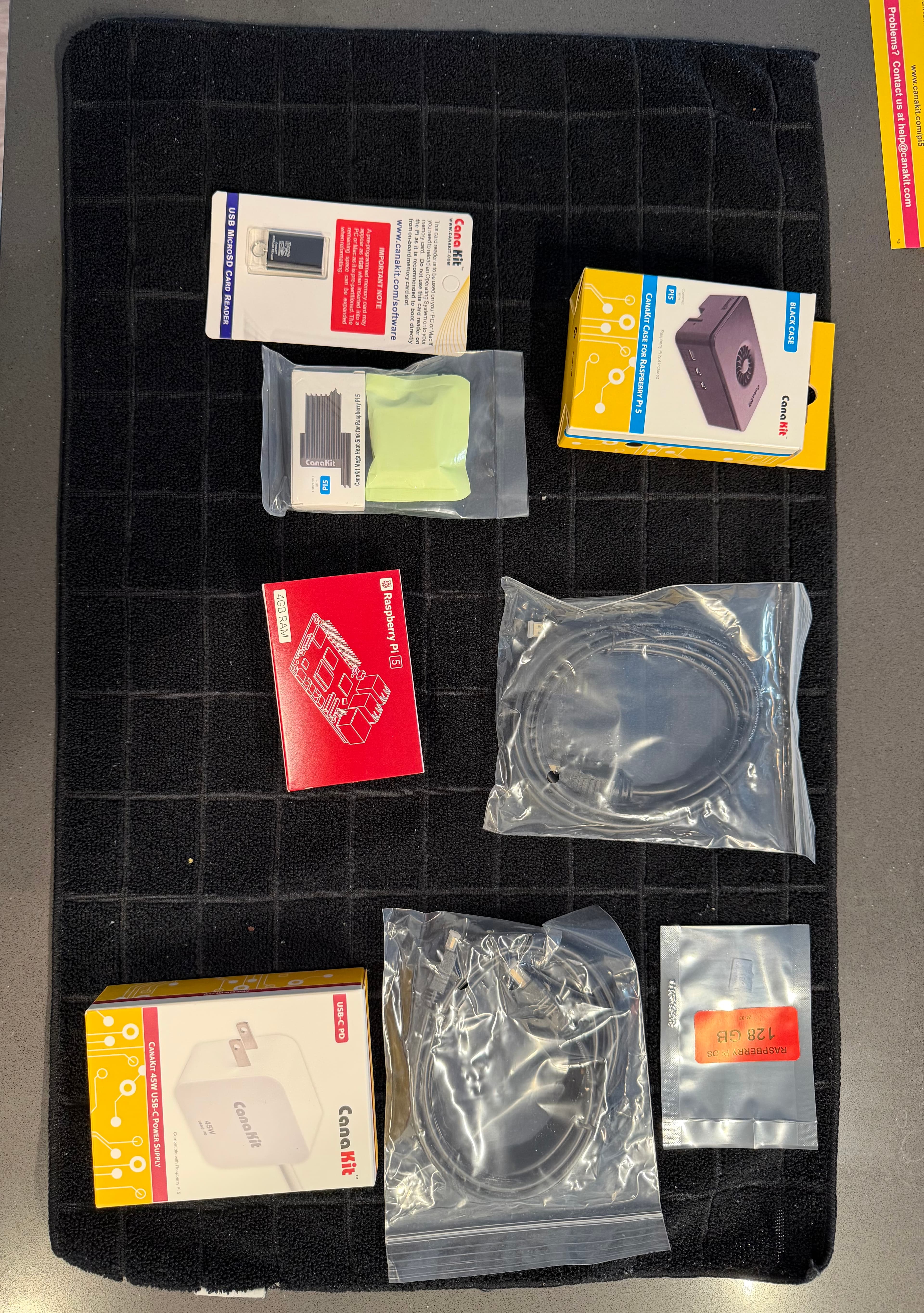
Raspberry Pi unboxed and staged for setup
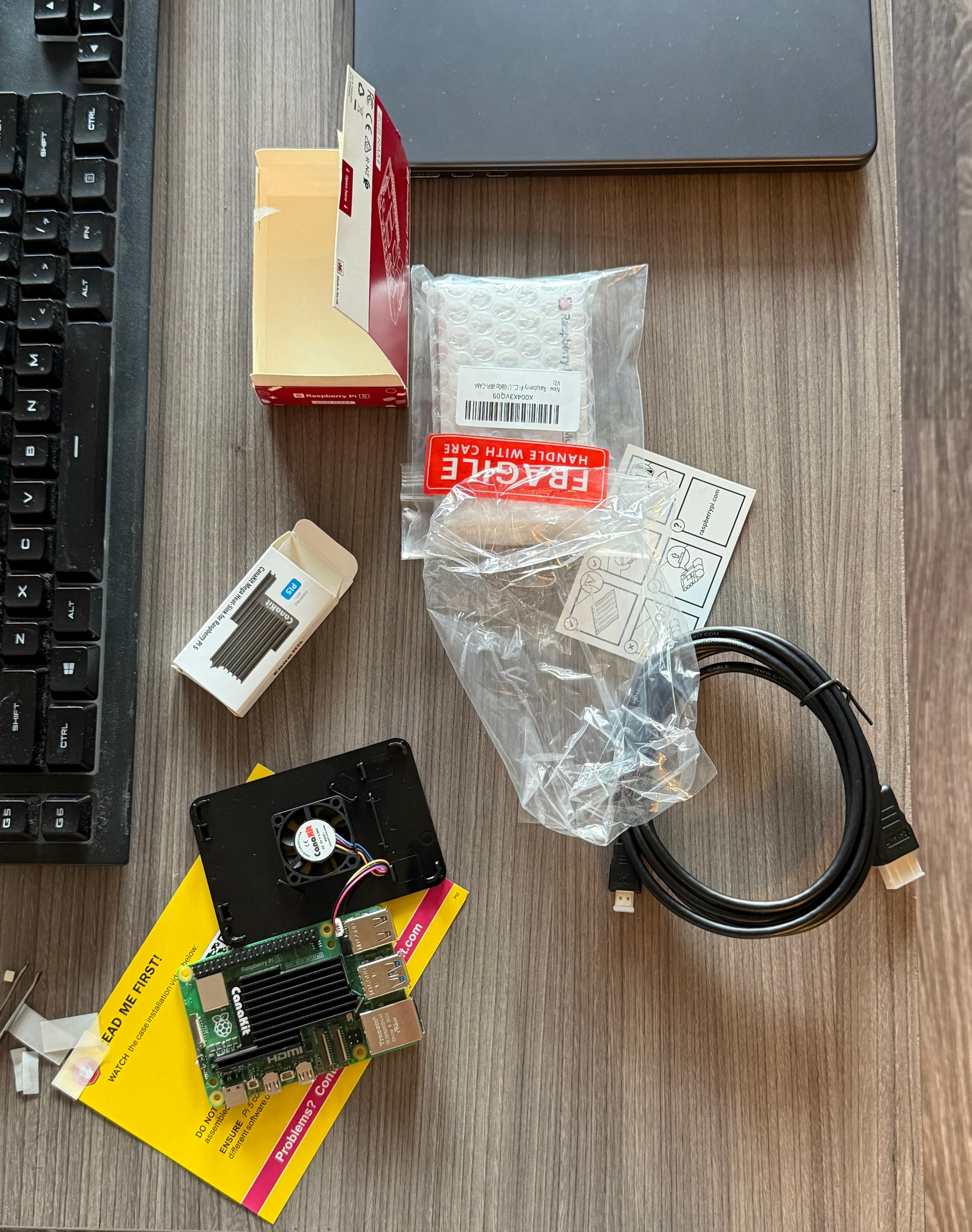
Cana Kit case and power layout
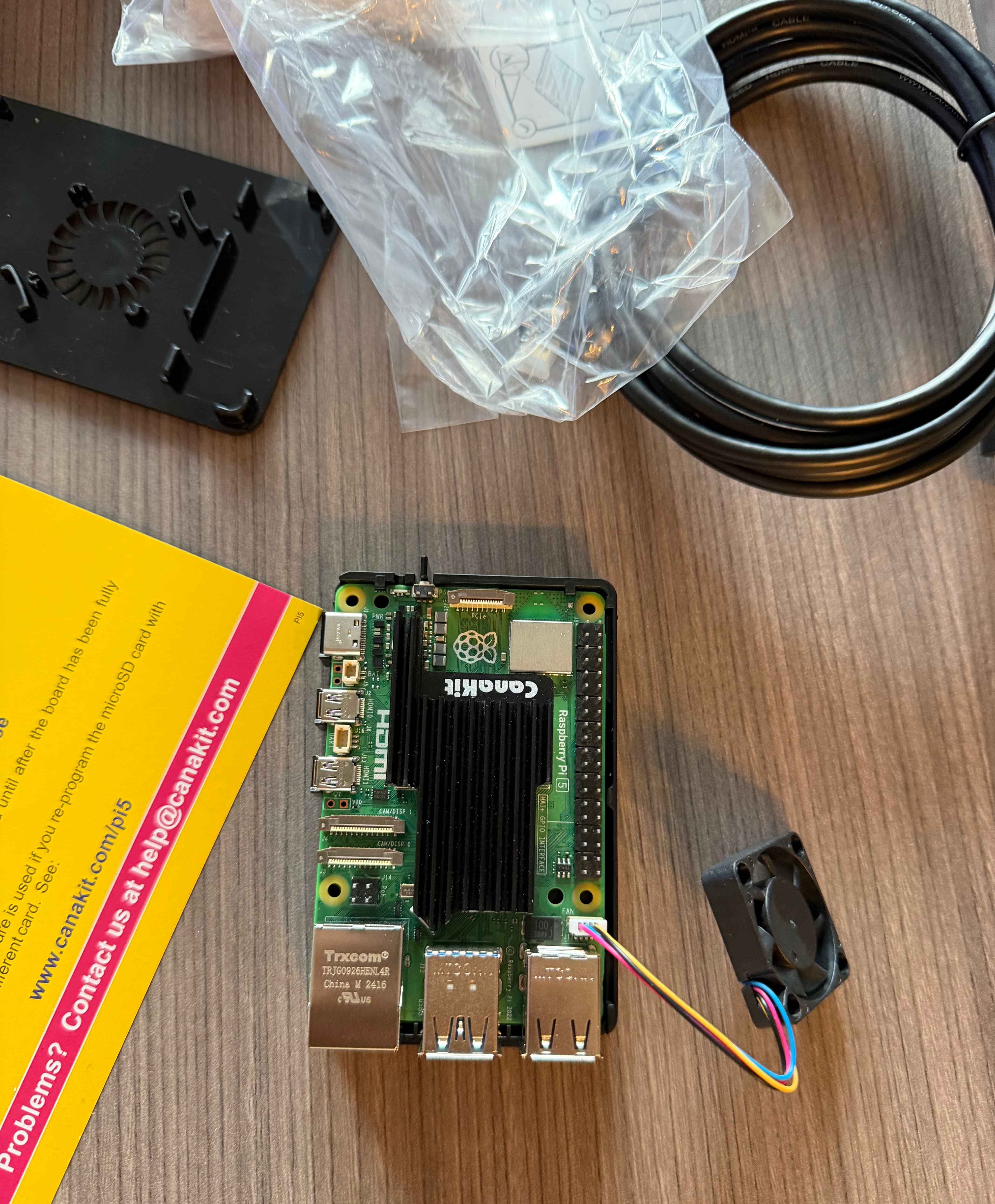
Heat sink and fan setup layout
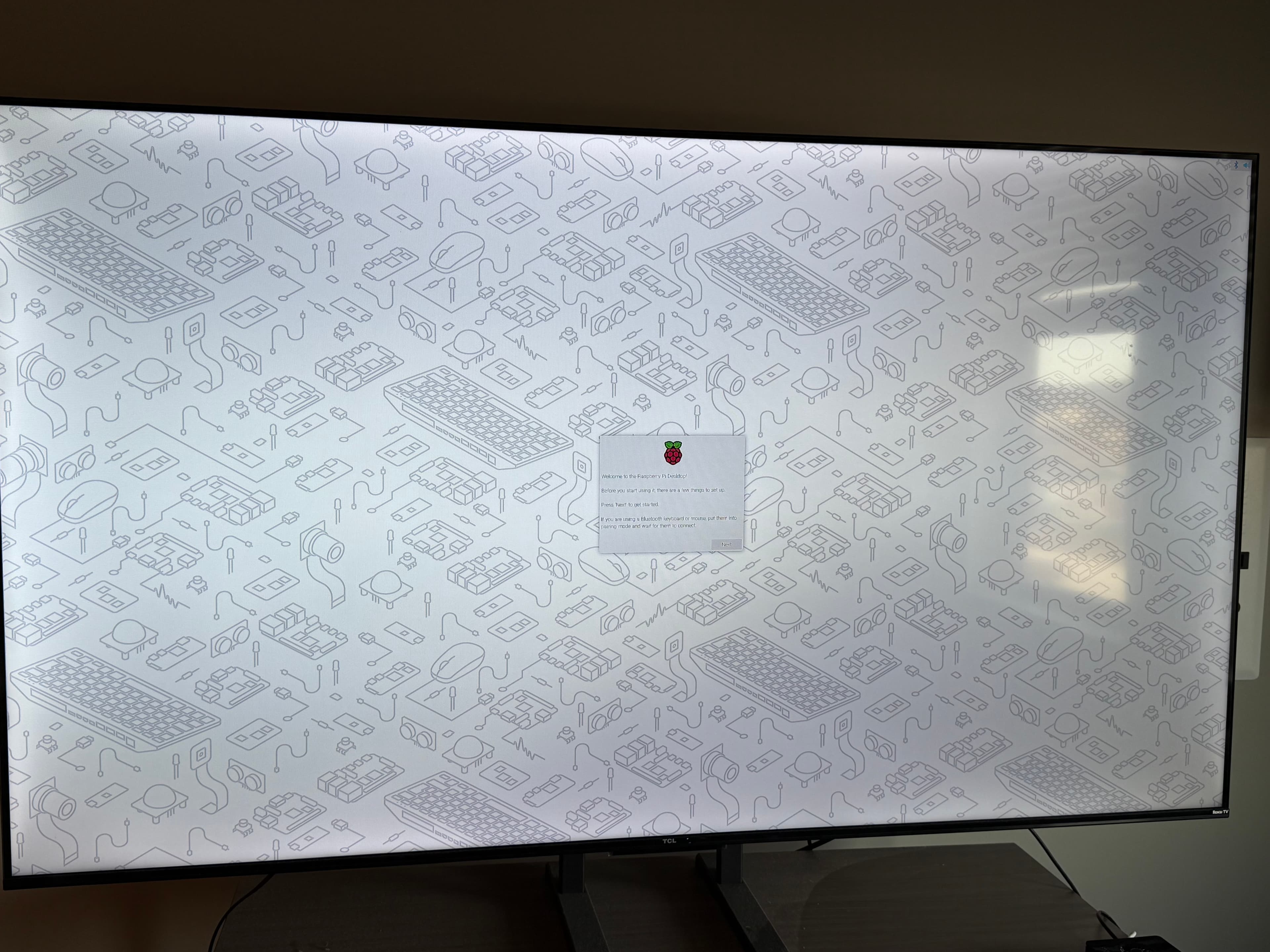
Raspberry Pi wiring validation
Videos
Unboxing
Cana Kit Case
Raspberry Pi stress test + Spongebob
Rpi cam malfunctioning
Rpi cam working as intended